Faster, smarter, Candis

Your Digital Invoice Receipt

Play video

02 min

We bring all your invoices into one place, use Candis AI to reliably capture all relevant invoice data automatically, and check duplicates thoroughly – so on-time payments become the norm. No more manual data entry, no more chasing missing documents. You stay in control, while everything runs in the background.

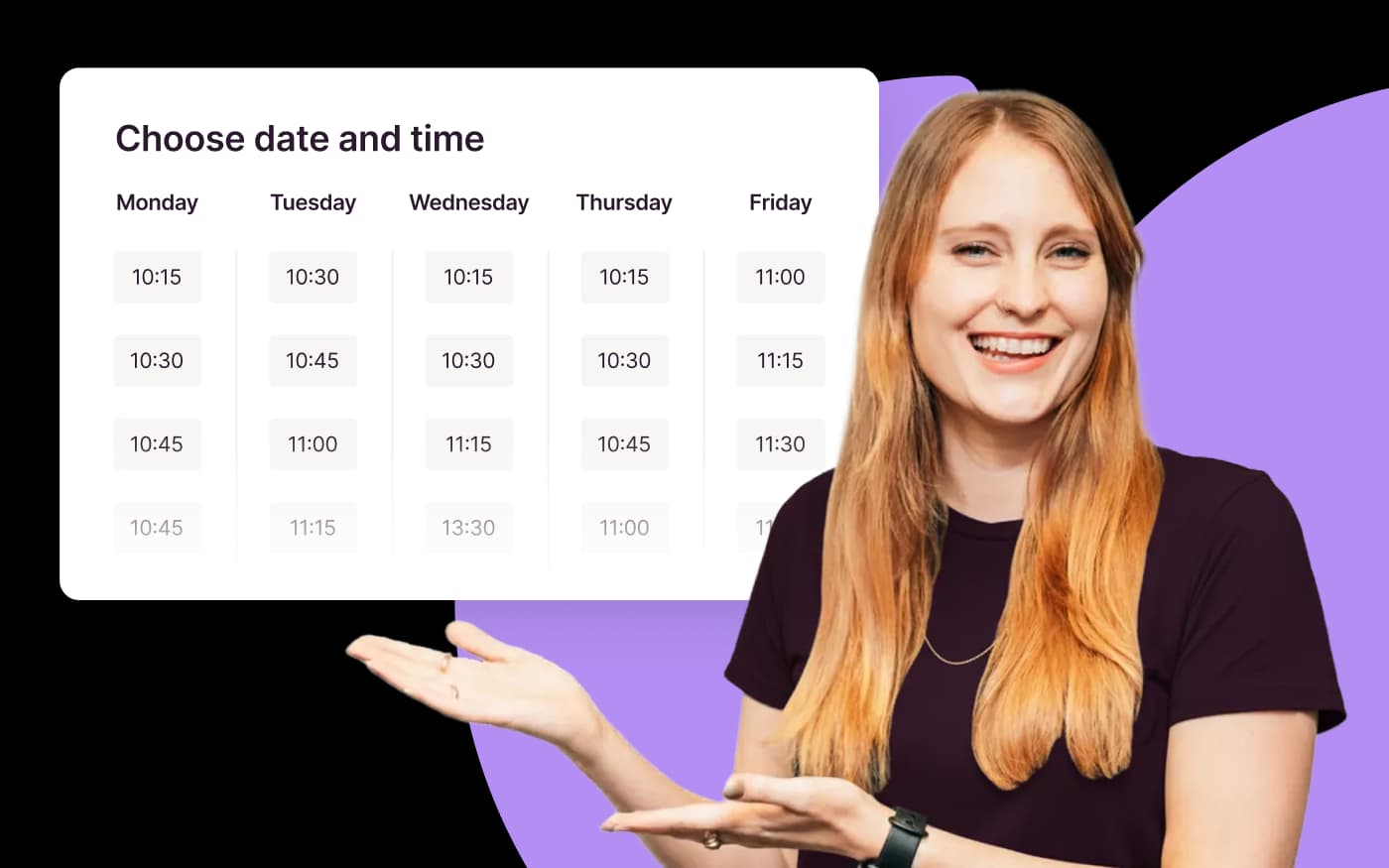
Choose your preferred date

Play video

02 min

Since 2015

More than 10,000 companies already rely on Candis

One PDF, all infos

The Candis info package

Start video

00:27

Free Consultation

Find out for yourself whether Candis suits you.
FAQs about invoice receipt

  • The easiest way is if you already have a central invoice receipt email in the company. There you set up a forwarding to the company's own Candis e-mail import address. This way, invoices arrive directly in Candis.

  • Candis recognizes each PDF file as a separate invoice. It is important that multiple invoices are not displayed in one PDF file.

  • You can contact the supplier directly from Candis and request the correct version of the invoice.

  • You can see all forwarded emails in your Candis email inbox. Based on the status, you can see whether the import was successful or failed.

  • If you use the document management in Candis, you can also file these documents in addition to the invoices. To do this, simply select the appropriate document type.